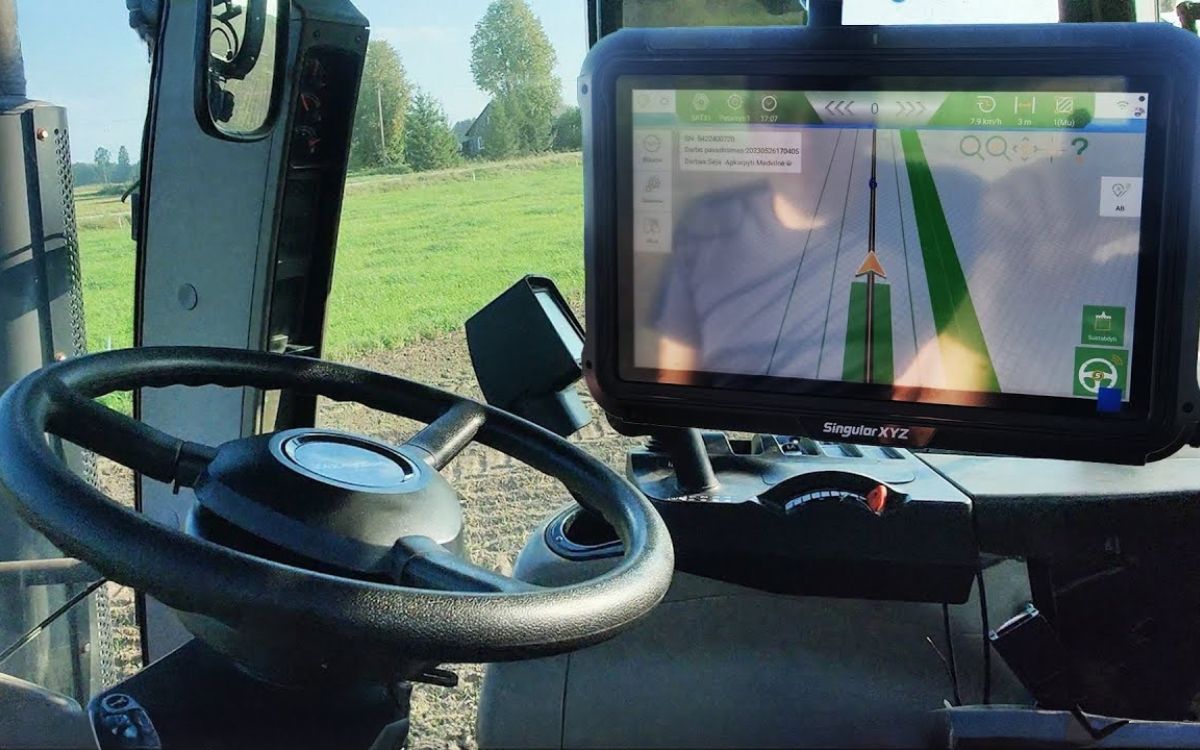


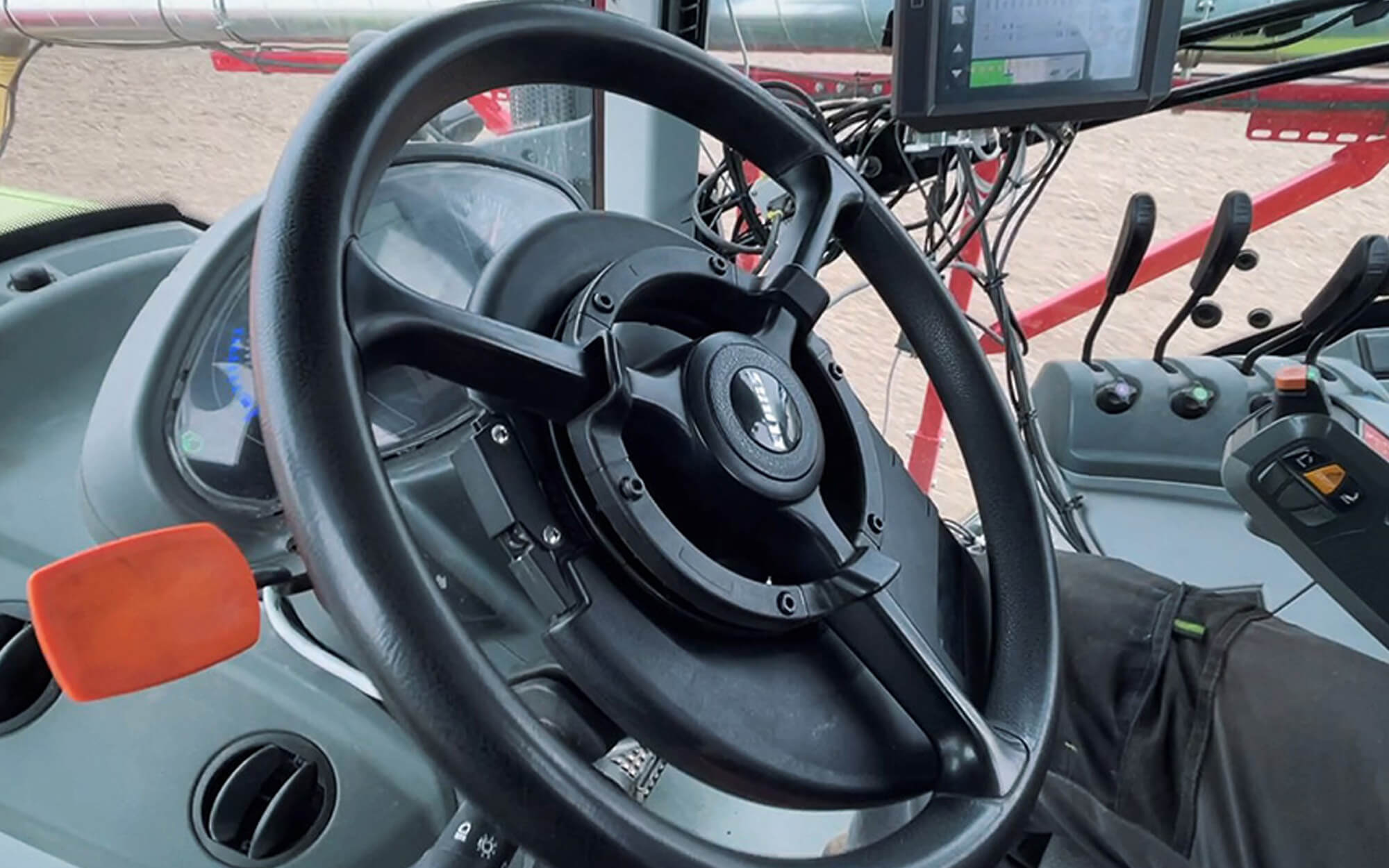
The automatic steering system controls the steering of your tractor and helps you follow route guidelines precisely



The system makes work easier and helps the driver focus only on controlling the implements, thus increasing work productivity and efficiency. The system comes to the rescue in poor visibility conditions such as fog or extremely dusty fields.
If necessary, you can deactivate automatic steering by turning the steering wheel, pressing the corresponding button on the navigation screen, or pressing the pedal.
Easy Installation of a Steering Wheel Mount
The steering attachment is extremely easy to install, as there is no need to dismantle the tractor's steering wheel or modify its mechanism. The steering ring is easy to attach and detach, making it extremely easy to transfer the system from one tractor to another.

Farmnavigator Computer: A Compact and Easy-to-Install Steering Controller
The computer has a built-in compass, gyroscope, and accelerometers that determine the tractor's position and movements. It receives more accurate GPS data from an external antenna and converts the information into precise steering commands.

Compatible with automatic section control
Combine the automatic steering system with automatic section control and optimize your work! G7 Farmnavigator analyzes and collects data about the cultivated fields and automatically turns on or off the implement sections to avoid overspraying the crops.

The receiver (sold separately) is connected to the G7 Farmnavigator via a serial cable. The G7 Farmnavigator connects to the computer via a USB-VideoIN-Enthernet cable.

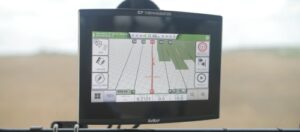
Farmnavigator automatically controls the tractor's steering and guides it precisely along a set route. This helps reduce overlap, make the most of every pass, and perform seeding, fertilizing, spraying, and other fieldwork with greater precision. The system is particularly useful when working in conditions of poor visibility—such as fog, dust, or darkness.
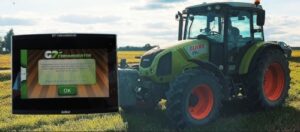
Installing the system does not require disassembling the tractor's steering wheel or modifying its mechanism. The mechanical steering attachment is easy to attach and remove, so the same system can be easily transferred from one tractor to another.
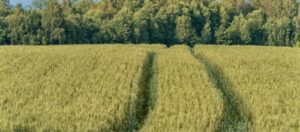
Farmnavigator can be integrated with automatic implement section control. The system tracks the area of the field that has already been treated and, based on the tractor’s location, automatically turns sections on or off, thereby helping to avoid double-spraying and ensuring a more efficient use of crop protection products.
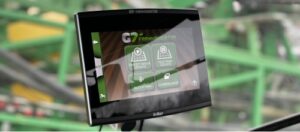
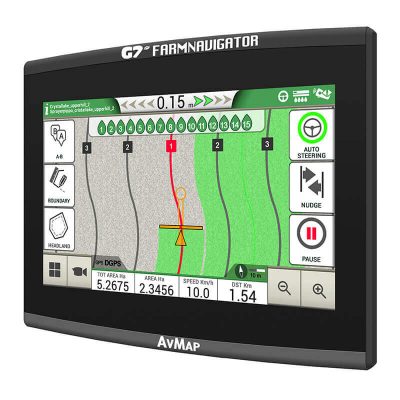
G7 Farmnavigator allows you to save field boundaries, areas, obstacles, guidance lines, and other information needed for your work. The system also collects data on completed tasks—such as the area covered, working time, implement settings, and other information—so that previous routes and settings can be reused when performing other tasks in the same field.
The G7 Farmnavigator precision farming system is designed to make your work on the farm easier, save costs and save you time. It is customizable to the needs of each farmer. Mark your fields Create a database of cultivated fields: Satellite navigation Choose your work route and follow the marker as you work. – Choose between AB parallel lines, uniform curves, adaptive contours or rotation guidelines. Headland management Before starting work, you can select the headland positions depending on the working width – Headland management is particularly useful for unusually shaped fields. Automatic section control switches off the section when approaching the headland. Job database G7 Farmnavigator records data about every job you do and every activity in a specific field. Area worked, working time, implement settings, driver comments and other data are collected. – Manage your data: fields and jobs can be exported to your computer and viewed in Google Earth.
Section management Configure and manage sections:
Control the implements – For greater accuracy and productivity, connect a compatible controller to the G7 Farmnavigator. The G7 Farmnavigator accurately calculates the covered fields and automatically controls the sections based on the position received by the DGPS antenna.
G7 Farmnavigator: Your guide to smart farming!
– Measure the field boundaries
– Calculate the area
– Avoid obstacles or difficult outdoor areas.
– Save the data and use it for subsequent work in the fields.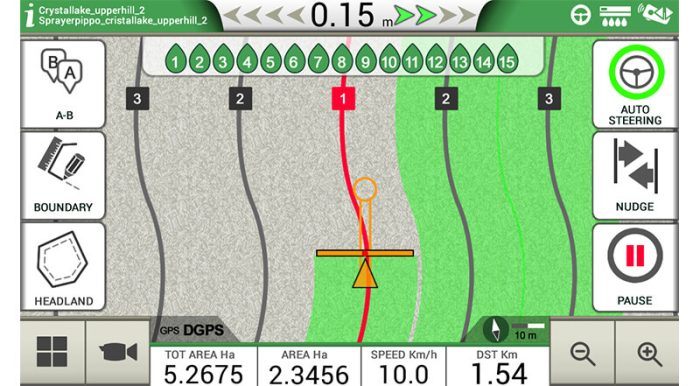
– The headland function can be used in conjunction with AB parallel guidance.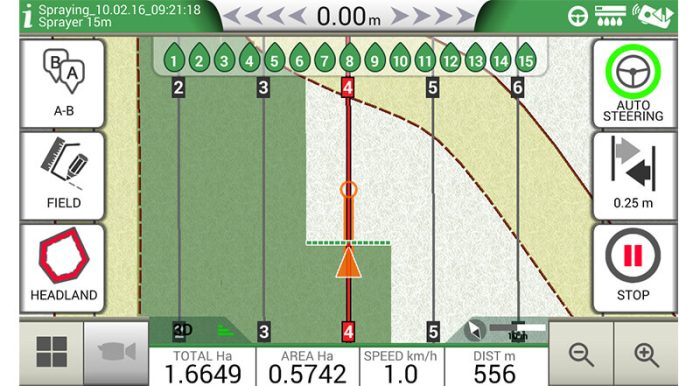

– Create a profile for each implement or task – seeding, fertilizing, spraying. Set the working width, individual section width and other implement section settings to suit your specific task.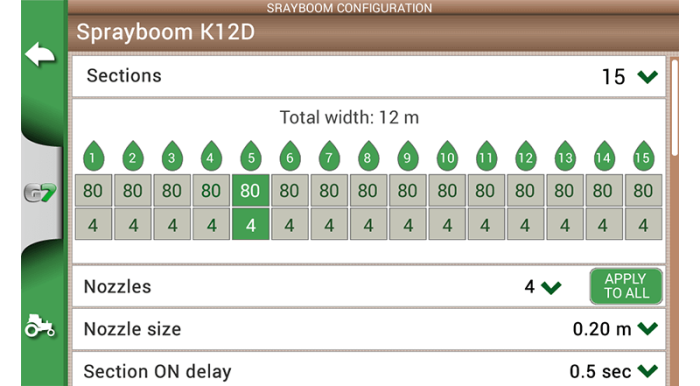
– You can also manually control the sections on the screen
– Compatible with: MC elettronica VT 5.7″; Caffini CB9; Geoline Geosystem 260; Farmscan Unipod; Agromechanika Ag-tronik 14;
The automatic steering system consists of: G7 Farmnavigator plus System screen Farmnavigator computer Transmits information from the system to the steering ring
Farmnavigator MVP Mechanical steering attachment USB-VideoIN-Ethernet cable Easily connect your G7 Plus system to your computer
Automatic steering system equipment


AvMap is an Italian company that has been producing smart electronics for automobiles, aviation, and agriculture for over 30 years.
Their Farmnavigator brand of parallel, automatic steering systems are widely used on farms across Europe.
These are reliable systems that ensure precise work on your farm.